Defining Xbasic Functions for Reports
Description
Define Xbasic functions specifically for use within a Report, Label, or Letter's calculated fields.
When defining a Project Report, Label, or Letter, you can define Xbasic functions locally for use in the report's calculated fields. This allows you to encapsulate logic specific to the report without cluttering the global Xbasic function library.
How to Define Report Functions
Open the Report Editor.
Click the XY (Calculated Fields) icon on the toolbar.
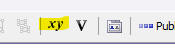 XY Icon
 Full toolbar view showing location of XY Icon in Report Window
In the Calculated Fields dialog, click the button labeled Define Xbasic Functions for Report Calculated Fields.
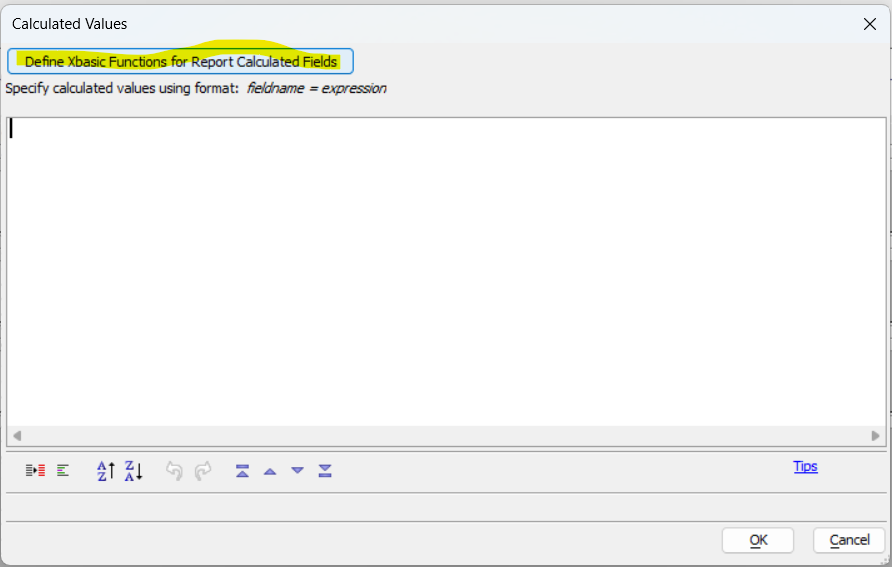 Define Xbasic Functions for Report Calculated Fields button
A code editor will open. Define your Xbasic functions here.
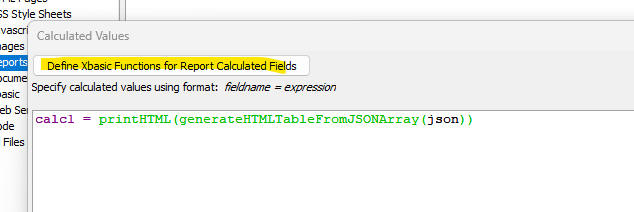 Report Xbasic Function Editor with a user-entered Xbasic Function (PrintHTML)
Once defined, you can call these functions directly within your Calculated Field expressions.
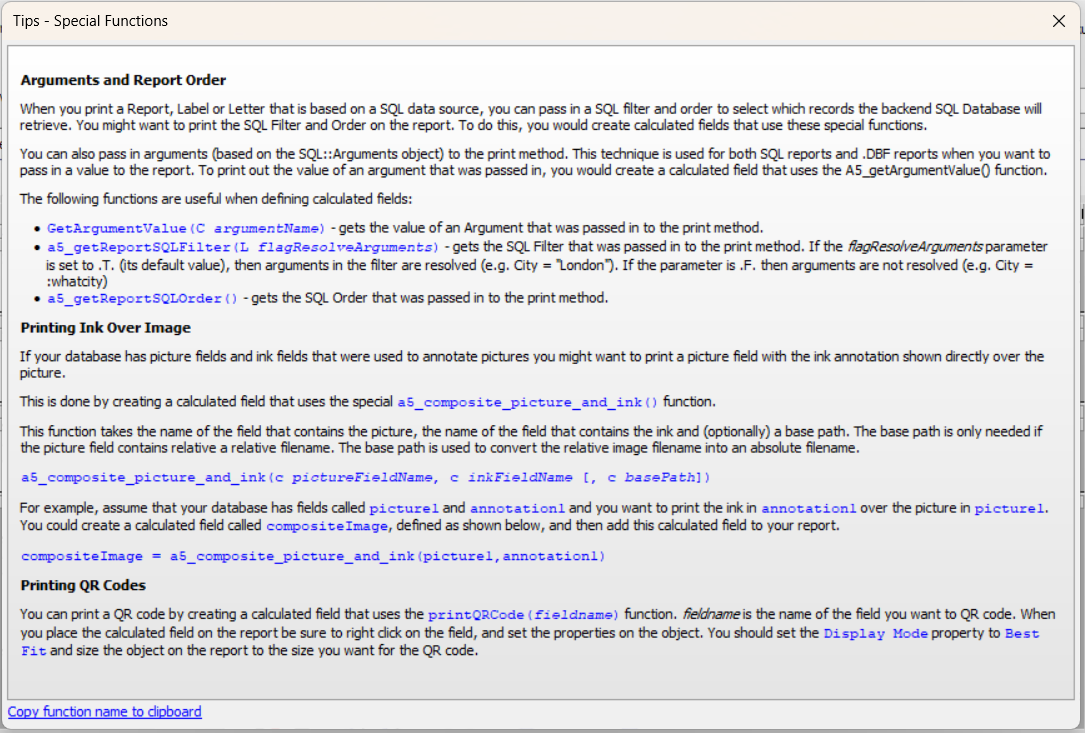
Calculated Fields Dialog - Tips
Arguments and Report Order
When you print a Report, Label or Letter that is based on a SQL data source, you can pass in a SQL filter and order to select which records the backend SQL database will retrieve. You might want to print the SQL Filter and Order on the report. To do this, you would create calculated fields that use these special functions.
You can also pass in arguments (based on the SQL::Arguments object) to the print method. This technique is used for both SQL reports and .DBF reports when you want to pass in a value to the report. To print out the value of an argument that was passed in, you would create a calculated field that uses the A5_getArgumentValue() function.
The following functions are useful when defining calculated fields:
GetArgumentValue() - Gets the value of an argument that was passed in to the print method.
a5_getReportSQLFilter() - Gets the SQL filter that was passed in to the print method. If the flagResolveArguments parameter is set to .T. (its default value), then arguments in the filter are resolved (e.g. City = "London"). If the parameter is .F. then arguments are not resolved (e.g. City = :whatcity).
a5_getReportSQLOrder() - Gets the SQL order that was passed in to the print method.
GetArgumentValue(C argumentName)

a5_getReportSQLFilter(L flagResolveArguments)

a5_getReportSQLOrder()
a5_composite_picture_and_ink(c pictureFieldName, c inkFieldName [, c basePath])
For example, assume that your database has fields called picture1 and annotation1 and you want to print the ink in annotation1 over the picture in picture1. You could create a calculated field called compositeImage, defined as shown below, and then add this calculated field to your report.
compositeImage = a5_composite_picture_and_ink(picture1, annotation1)
printQRCode(fieldname)
See Also